



How To Create A Linear Light in Revit?
Creating a linear light in Revit usually means building a custom lighting fixture family that matches the shape, size, and lighting behavior of the real product you want to specify. In simple terms, you are not just drawing a long light. You are creating a BIM-ready lighting object that can be placed in a project, scheduled, tagged, and coordinated with the rest of the design.
That is why this topic matters to more than designers. It also matters to contractors, lighting distributors, engineering teams, and project buyers. In real projects, a Revit family is often part of the sales and specification process. If the model is too rough, the project team cannot coordinate properly. If the family is too heavy or inaccurate, it creates trouble later in layout, documentation, and procurement.
Start With The Right Revit Family Logic
The best way to create a linear light in Revit is to think like a project team, not like a sketch artist. A good linear lighting family needs the right category, useful parameters, and a clear installation method. It should also match the real product closely enough to support specification, quantity takeoff, and lighting coordination.
In practice, that means using the Family Editor to build or modify a lighting fixture family instead of drawing a generic object with no usable data. For commercial buyers and OEM customers, this matters because a proper family helps move a product from concept into project use more smoothly. It becomes easier for consultants and contractors to place the fixture, tag it, and include it in lighting schedules.
Build The Geometry Around The Real Fixture
A linear light family should start with the real product dimensions. Length, width, thickness, suspension or mounting logic, and visible light-emitting area all affect how the family behaves in the project. If these basics are wrong, the model may still look acceptable in a rendering, but it becomes less useful in real coordination.
This is where many B-end buyers run into problems. A family may look good in a product sheet, but if it cannot be used properly in Revit, it becomes harder to specify into larger projects. That is why lighting suppliers with project experience usually understand that BIM support is not a small extra. It is part of the product value.
Add The Right Parameters And Light Data
A Revit linear light should not stop at geometry. It should include practical parameters such as wattage, input voltage, dimensions, and other information that helps with project documentation. For many lighting projects, photometric data also matters, because engineers and designers want the family to behave more like the real fixture.
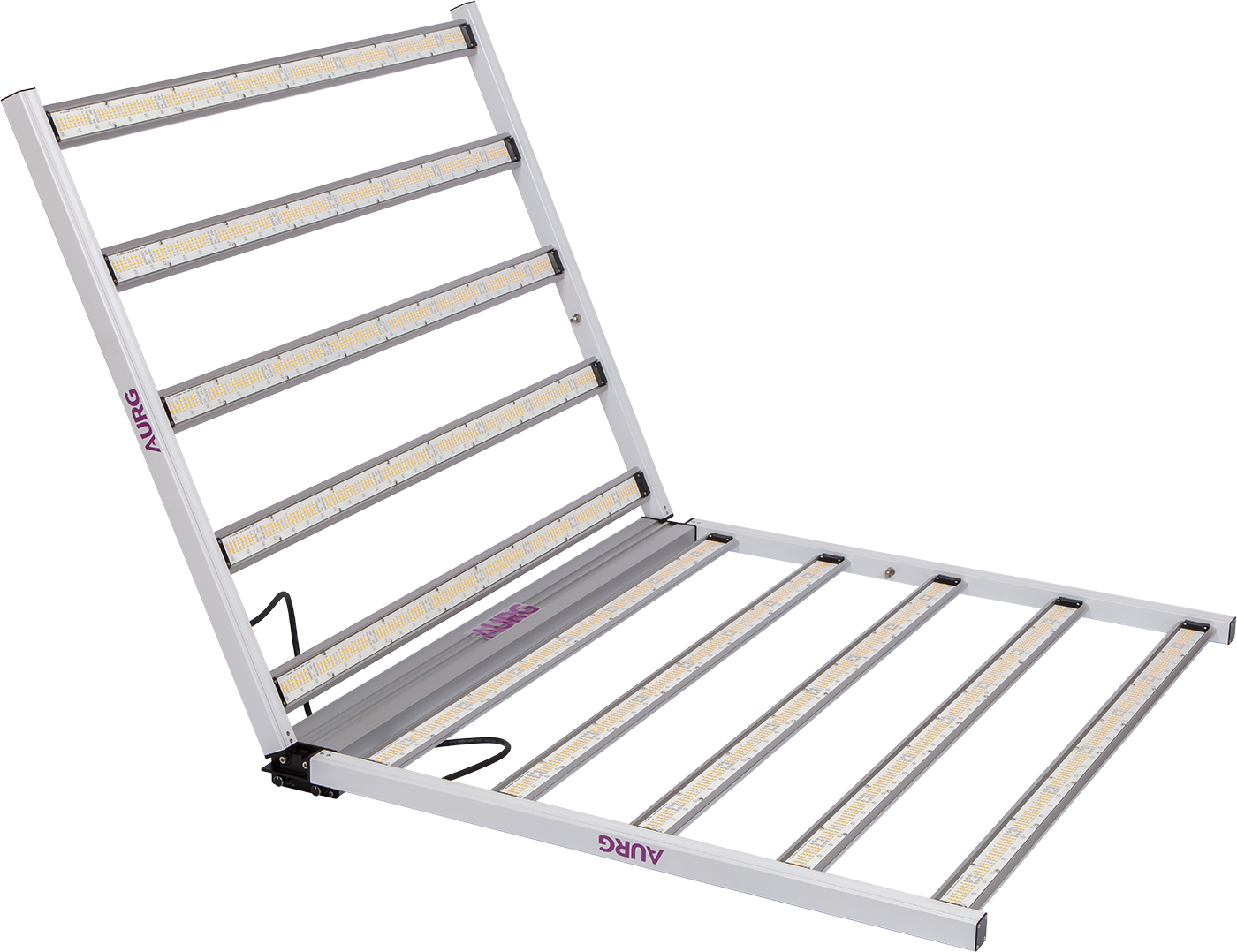
This point is especially important in specialized lighting categories. Our product connects naturally here because it is not a simple decorative strip. It is a high-output linear grow light used for horticultural applications. In projects such as indoor farms, grow rooms, and controlled-environment facilities, the Revit family is more useful when it reflects the real fixture direction instead of acting like a basic placeholder.
Why Linear Grow Lights Need Better Revit Families
In horticultural lighting, linear fixtures are often chosen because they help distribute light more evenly across the crop area. That makes the BIM side more important, not less. The project team may need to study fixture spacing, coverage layout, hanging height, and service zones before procurement moves forward.
This is where a stronger Revit family supports business goals. Distributors, wholesalers, and project suppliers are not only selling a light. They are often helping customers fit that light into a full installation plan. If the linear family is clear, lightweight, and easy to place in Revit, the product becomes easier to specify in greenhouse and indoor farming projects.
Why Product Accuracy Matters In Specification Work
A generic linear light family may be enough for a rough concept model, but it is usually not enough for serious specification work. Project teams want a family that reflects the actual fixture more closely. That includes size, mounting logic, and key technical information that helps them compare options and build schedules.
Our linear grow light is relevant in this discussion because it gives specifiers a real product direction to model around. Instead of creating a random long fixture, the Revit family can be built to represent a professional grow lighting product used in commercial horticulture. That makes the model more valuable for consultants, contractors, and OEM project discussions.
Keep The Family Practical, Not Overbuilt
One common mistake is trying to make the family too complex. A Revit linear light should be useful, but it should also stay efficient. If the family is too heavy, the project slows down. If it includes too much unnecessary detail, the BIM file becomes harder to manage. In most cases, the better approach is a clean family with accurate dimensions, sensible parameters, and enough light information to support the design process.
This is also where supplier support matters. A good lighting supplier should understand not only the fixture itself, but also how project teams actually use BIM content. That is valuable for B-end customers because it reduces friction between design, approval, and purchasing.
Conclusion
So, how do you create a linear light in Revit? The practical answer is to build a custom lighting fixture family in the Family Editor, shape the geometry around the real fixture, add the key parameters, and make sure the family is simple enough to use but accurate enough to specify. That approach works much better than using a rough generic object when the goal is real project coordination.
For commercial lighting projects, especially in horticultural applications, a good Revit family can make the product easier to specify, easier to compare, and easier to move into procurement. If you are sourcing linear grow lights and also need product support for project documentation, contact us. We can help you review a more suitable linear lighting solution for your application and discuss how the product can fit better into your specification workflow.
Previous:
Next: What Is A Linear Light?